

How to check iPhone Battery Health
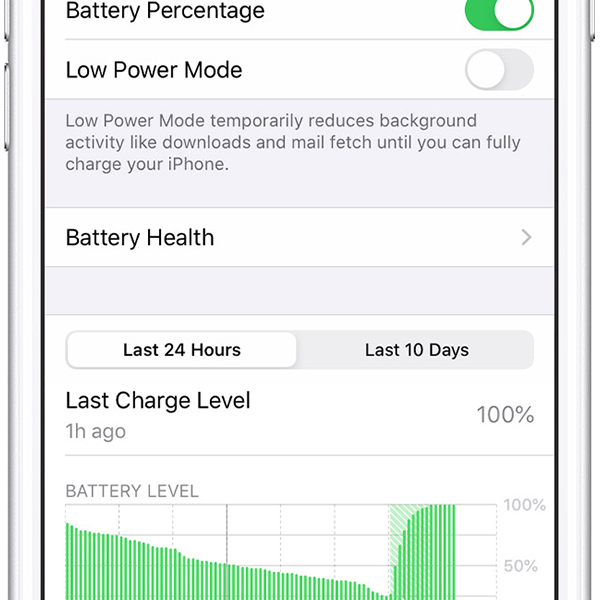
On iPhone 6 and newer, there is a feature that allows you to find out your battery’s overall health as well as other important information about you iPhone. Battery life. This is a good tool to check your batteries maximum capacity and also a good indicator on when a battery should be replaced.
How to find out your iPhone Battery health
Here’s how to find the details about your iPhones battery health, performance and maximum capacity:
1. Head to the settings app
2. Select “Battery”
3. Select “Battery Health”
4. when at the battery health screen, there will be 2 indicators of battery health: “Maximum Capacity” and “Peak Performance Capability”
What does “Maximum Capacity” in iPhone battery health mean?
When you get a new iPhone out of the box, it will start at 100% capacity. But like any battery over time, it will deteriorate. How fast this goes down depends upon many variables including how many charging cycles it’s been through, general wear and tear and charging habits. In layman’s terms, the further away from the 100% maximum capacity your battery health is, the more the battery has deteriorated and the less available battery capacity there is compared to when the battery was new.
What does “Peak Performance Capability” in iPhone battery health mean?
The Peak Performance capability section is used to report and display any problems with the battery. When the battery is normal and hasn’t encountered any problems, it will display “Your battery is currently supporting normal peak performance.” However, when performance management features have been applied, usually because of an issue encountered with the battery is will display the “This iPhone has experienced an unexpected shutdown because the battery was unable to deliver the necessary peak power. Performance management has been applied to help prevent this from happening again. Disable” This can be turned off. However it cannot be turned back on unless an unexpected shutdown occurs.
When should an iPhone battery be replaced?
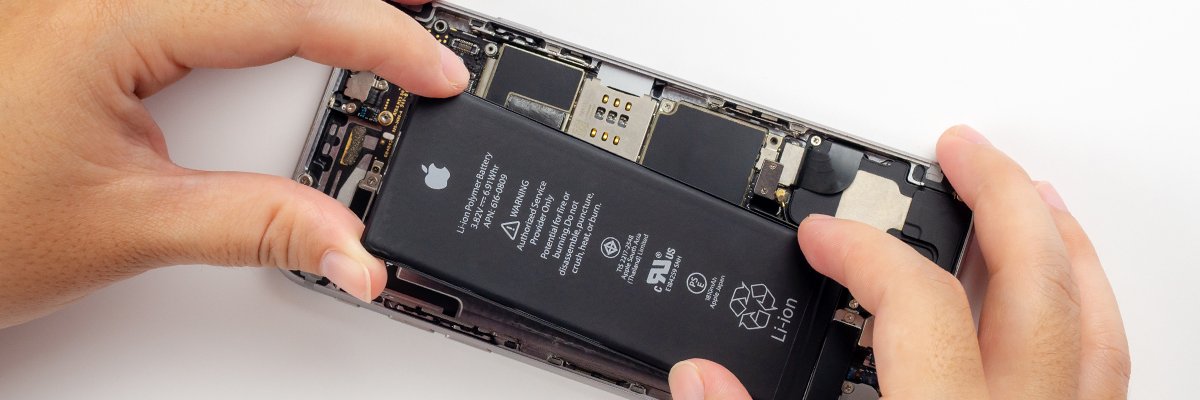
unless there is any physical damage to your battery or it has begun to swell and despite Apple adding the battery health feature to devices, the best person to tell if your iPhone needs a new battery is the user. If you are experiencing fast battery drain or short life from 100% charge, it may be time to replace the battery on your device.
You may also see a message that says your iPhone battery’s health can’t be determined, or that it is so sufficiently degraded that now is the time for you to replace it. Generally, you won’t see this message unless the maximum capacity is below 80%
How much does iPhone battery replacement cost?
Battery replacements from iDoctor couldn’t be easier. The repair takes less than 30 minutes to complete and can be carried out at your location, dropped off at our purpose built phone repair workshop or mailed into us and will leave your battery lasting like it did when new. Just like all our repairs, the same high quality of parts are used and quality control checked before installation and also include a 12 month warranty.
| Device | Price |
| iPhone 5 | From £25 |
| iPhone 5S | From £25 |
| iPhone SE | From £25 |
| iPhone 6 | From £30 |
| iPhone 6 Plus | From £30 |
| iPhone 6S | From £30 |
| iPhone 6S Plus | From £30 |
| iPhone 7 | From £30 |
| iPhone 7 Plus | From £30 |
| iPhone 8 | From £30 |
| iPhone 8 Plus | From £30 |
| iPhone X | From £40 |
| iPhone XR | From £40 |
| Iphone XS | From £45 |
| IPhone XS Max | From £45 |
| iPhone 11 | From £50 |



Leave a Reply