
It is a fact of life that over time your smartphone battery deteriorates. Most device batteries last around two years with regular or daily charging cycles before needing replacing and after this point you might find that your iPhone or Android battery isn’t performing the way that it used to. Check out the tips below to help you conserve a bit more battery and reduce the chances of franticly searching for a charger by lunchtime!

Turn off location services
When your device’s location services are on, it is constantly working to identify where you are, updating apps to your location and generally draining your battery. Location services can be managed in settings > Privacy > Location services where you can also limit certain apps to only use your location if you’re using them.
Turn off 4G/5G and use Wi-Fi
WIFI uses much less battery in your phone than a cellular connection like 4G or 5G. when using cellular connectivity, your device is always seeking the strongest or better signal meaning it will drain your battery quicker

Turn your brightness down
It would make sense that more light coming from your screen, more battery it is going to drain right? Right. Turn off auto brightness and manually control the brightness to a lower level and it will make your battery last longer.
Turn on Low power mode
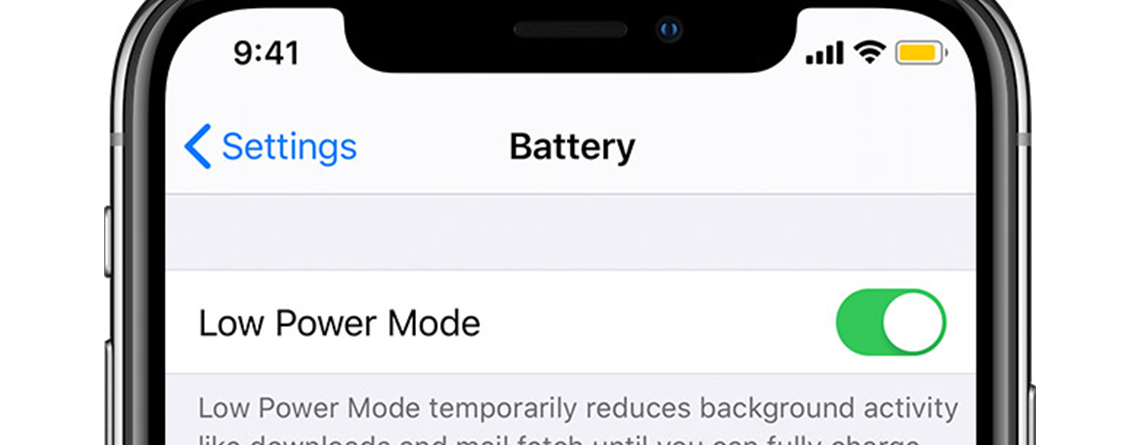
Low power mode automatically reduces background activity like mail fetch and downloads to reduce the amount of load put on the battery. This can be a lifesaver if you have a long day and need to use your phone lots without the opportunity to charge
Limit background app refreshing
Background app refreshing happens when the apps that are running in the background are constantly refreshing their data. Apple specifically states on their website that limiting background app refresh will conserve battery life in your iPhone. Head to Settings > General > Background App refresh to toggle on/off and save your battery
Replace the battery
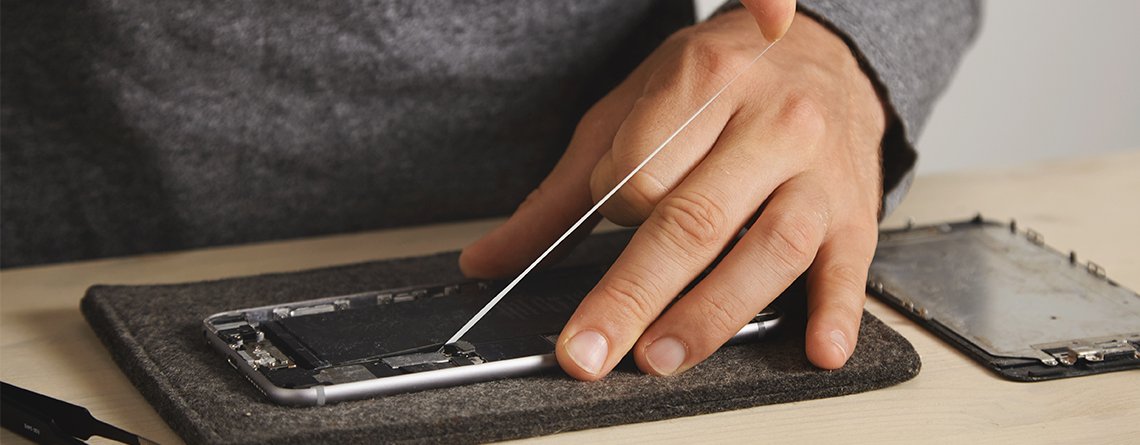
If the tips above still aren’t quite cutting it and your battery is still dying quickly, it may be time to book in for a battery replacement. Battery replacement at iDoctor includes 12 month warranty and expert fitting by our Wizard technicians. Follow the link below to arrange your repair.




Leave a Reply